Business Operations
Purchase Orders & Procurement
Reorder the right quantity before you stock out, not after.
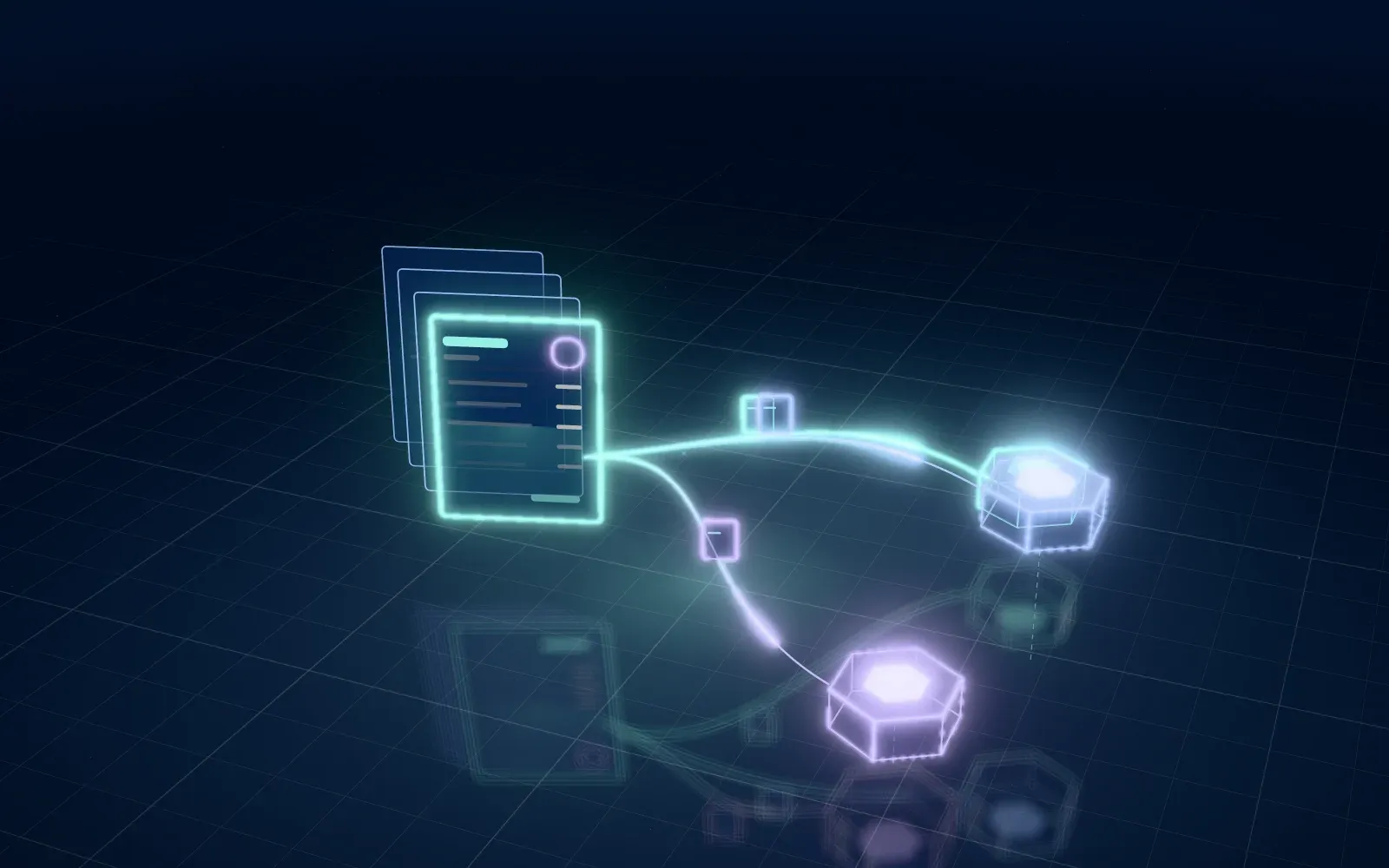
We turn purchasing from a weekly spreadsheet exercise into a managed workflow. Reorder points and safety stock are calculated from actual sales across every channel, draft purchase orders are created for review, and POs are sent to suppliers by email, EDI or API. Receipts update inventory and NetSuite as soon as goods arrive.
The shift
From manual workarounds to automated by default
Before Audaxim AI
- Reorder decisions made from outdated spreadsheets
- Stockouts on best sellers, overstock on slow movers
- Purchase orders emailed and tracked in inboxes
- No visibility into what is on order or when it arrives
- Supplier invoices that do not match what was received
After Audaxim AI
- Reorder points based on multi-channel sales velocity
- Draft POs generated automatically for approval
- POs sent to suppliers in their preferred format
- Open PO and inbound visibility by SKU and date
- Receipts matched to POs and vendor bills
Capabilities
Everything included in Procurement
Reorder points & safety stock
Reorder points combine sales velocity across all channels, supplier lead times and safety stock targets for each SKU.
Automated PO drafts
When stock crosses a reorder point, draft purchase orders are created per supplier with MOQs and case packs applied.
Supplier EDI, CSV & API
Send POs and receive acknowledgements and ASNs through supplier EDI, CSV file exchange or API, depending on what each vendor supports.
Approval workflow
Route POs above set thresholds to buyers or finance for approval, with every change captured in the audit log.
Inbound tracking
Track open POs, expected dates and partial receipts, and feed incoming quantities into available-to-promise calculations.
NetSuite PO & bill sync
Purchase orders, item receipts and vendor bills sync with NetSuite to support two- and three-way matching.
How we deliver
A clear path from audit to always-on
- 01
Purchasing review
We review your suppliers, lead times, current reorder logic and where stockouts or overstock have occurred.
- 02
Parameter setup
We configure lead times, MOQs, case packs, safety stock and approval thresholds for each supplier and SKU group.
- 03
Build & validate
Reorder recommendations are validated against recent purchasing decisions before draft POs are turned on.
- 04
Go-live & tuning
Automated PO drafts go live, and we monitor supplier feeds and tune parameters as sales patterns change.
FAQ
Procurement questions, answered
Will purchase orders be sent without our approval?
Only if you choose that. By default, the system creates draft POs for review, and you can set thresholds for automatic approval later.
Can you handle FBA replenishment as well?
Yes. FBA stock and inbound shipments are included in the calculation, so replenishment accounts for both your warehouse and Amazon fulfillment centers.
Our suppliers do not support EDI. Is that a problem?
No. We can send POs as PDF or CSV by email or SFTP and use EDI or API only for suppliers that support it.
How do reorder points stay current?
They are recalculated regularly from recent sales velocity and lead times. For seasonal products, pairing this with AI-powered forecasting gives better results than velocity alone.
Pairs well with
Related services
AI-Powered Forecasting
Machine learning demand forecasts by SKU and channel, built on your sales, seasonality and promotions, to plan inventory and cash with confidence.
SKU-level Demand forecastsInventory Management
Centralize inventory across warehouses, 3PLs and FBA, sync it to every channel, and reach 95% inventory accuracy with overselling at zero.
95% Inventory accuracyWarehouse Management
Bin locations, barcode scanning, pick-path optimization and work orders that keep your warehouse accurate and your inventory synced in real time.
Real-time Stock movementsReady when you are
Ready to automate procurement?
Book a free, no-pressure walkthrough with an integration specialist. Bring your channels, your ERP and your biggest bottleneck.
- No credit card
- No commitment
- Reply within one business day